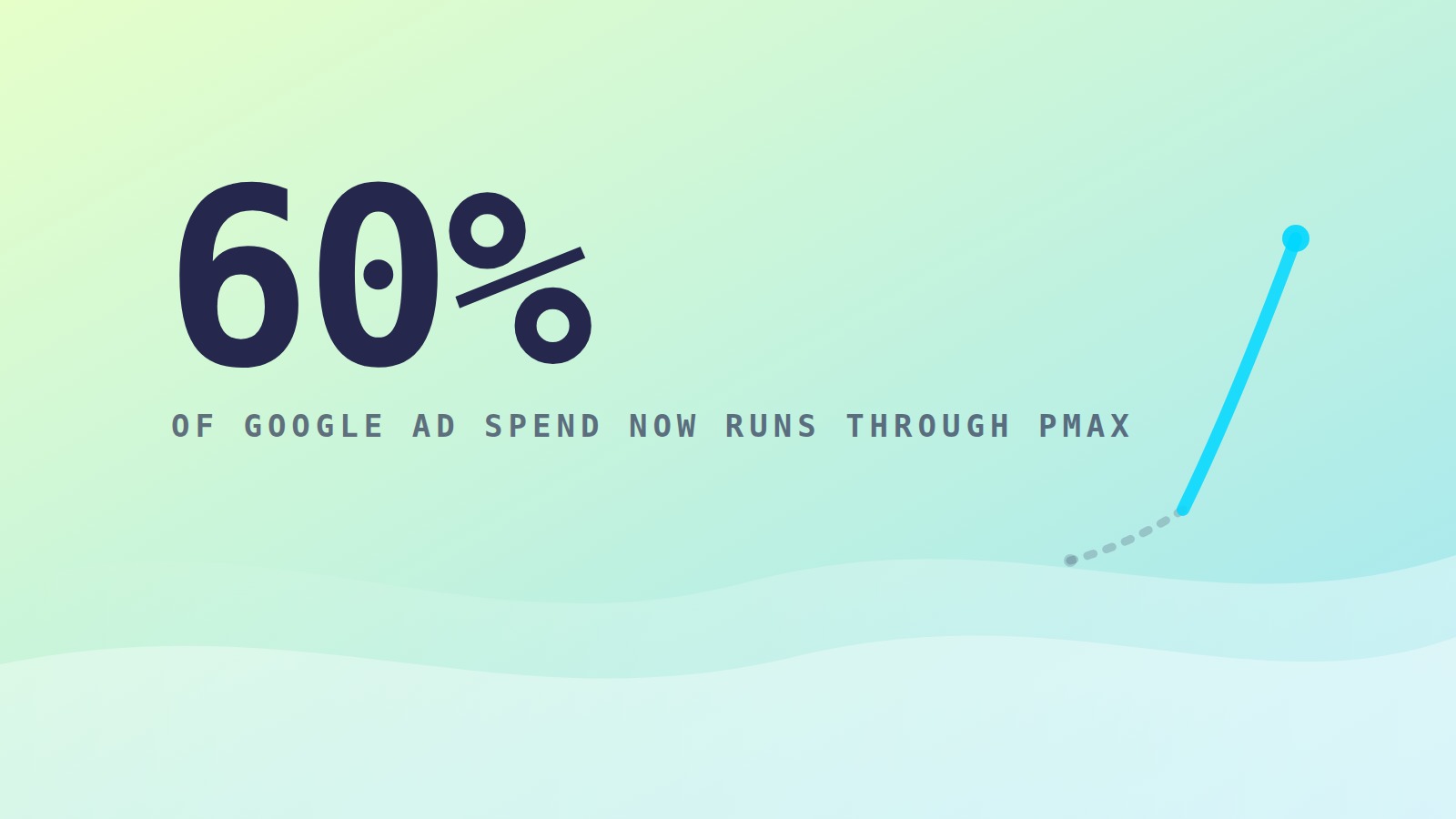
More than 60% of all Google Ads spend now flows through Performance Max, up from roughly 40% just a year ago. For most ecommerce advertisers, PMax is no longer a campaign type you test. It is the campaign type, whether you chose it or not.
And PMax can genuinely perform. We have seen it drive strong results across our accounts when it is set up with the right guardrails. But there is one problem we find in almost every account we audit, and it quietly inflates performance reports while draining real profit: branded search cannibalization.
If your PMax campaign is reporting a 12x ROAS (return on ad spend), some portion of that number is very likely people who searched your brand name, were going to buy anyway, and got intercepted by a PMax ad on the way. In this post we will explain how that happens, how to detect it, and exactly how to stop it.
What Is Branded Search Cannibalization?
Performance Max is designed to find conversions wherever they are cheapest. And no conversion on earth is cheaper than someone who already typed your brand name into Google.
Left unrestricted, PMax will happily serve ads against your own branded queries. Those clicks convert at extremely high rates, because the customer had already decided to buy. The campaign then reports those conversions as wins, your blended ROAS looks fantastic, and the algorithm learns to keep doing it.
The result: you are paying Google for customers you already owned. Meanwhile, the incremental prospecting work you actually wanted PMax to do gets a smaller share of budget than your reporting suggests.
How to Detect Cannibalization in Your Account
You do not have to guess. Three places to look:
- The search terms insight report. Inside your PMax campaign, review the search categories and terms driving conversions. If your brand name and close variants are near the top, you have found the problem.
- Channel distribution scripts. Third-party scripts can break down PMax spend by channel (Search, Shopping, YouTube, Display). A PMax campaign that is mostly Search and Shopping with sky-high conversion rates is often riding branded traffic.
- The holdout signal. If you run a dedicated branded search campaign and its volume dropped when PMax launched or scaled, that traffic did not disappear. PMax absorbed it.
The Fix: Brand Exclusions Done Properly
Google now provides a native solution, and every ecommerce account should have it configured.
- Build a brand list. In Google Ads, create a brand list containing your brand name and every close variant, including common misspellings.
- Apply it as an exclusion to PMax. At the campaign level, add the brand list under brand exclusions. This blocks PMax from serving on branded queries across Search and Shopping.
- Run a dedicated branded search campaign. Branded traffic still deserves coverage, especially if competitors bid on your name. A standard search campaign gives you full control over messaging and bids, at a fraction of the cost, with honest reporting.
- Re-baseline your expectations. When you strip branded traffic out of PMax, its reported ROAS will drop. That is not performance getting worse. That is reporting getting truthful. Judge the campaign on its new, real numbers.
Feeding PMax the Right Signals
Brand exclusions stop the cannibalization, but they are only half of running PMax well in 2026. The other half is signal quality, because an automated campaign is only as smart as the conversion data you feed it.
- Clean conversion tracking is non-negotiable. Server-side tracking through the conversions API, accurate values, and deduplicated events. If your signal is noisy, PMax optimizes toward noise.
- Use new-customer acquisition goals. Google allows you to bid higher for new customers or optimize exclusively for them. For growth-focused brands, this is one of the most underused settings in the platform, and it directly counteracts PMax’s tendency to farm your existing customers.
- First-party data makes the difference. Uploading customer lists gives the algorithm a picture of who your buyers actually are. In 2026, first-party data has become a sharper competitive edge in paid search than budget size. We cover this in depth in our post on first-party data strategy.
Verify With Incrementality, Not Platform Reports
Here is the uncomfortable truth about every automated campaign type: the platform grades its own homework. PMax will always report the conversions it touched, not the conversions it caused.
The only way to know what PMax truly adds is independent measurement. Geo holdout tests, where you pause or reduce spend in matched regions and measure the revenue difference, are the cleanest approach for most ecommerce brands. The short version: test at least twice a year, and let real lift data, not in-platform ROAS, set your budgets.
What Good Looks Like
An ecommerce account running PMax well in 2026 typically has: brand exclusions applied and audited quarterly, a separate branded search campaign with its own budget and reporting, server-side conversion tracking with accurate values, new-customer optimization enabled where growth is the goal, and at least one incrementality test informing how much credit PMax actually deserves.
None of this is exotic. It is discipline. And it is the same discipline that should anchor your Q4 paid media plan, the difference between an account that looks great in reports and an account that actually grows the business.
Get an Honest Read on Your PMax Performance
If you have never separated branded from non-branded performance in your Performance Max campaigns, there is a meaningful chance your real acquisition costs are higher than you think. The good news: this is fixable in a week, and the reporting clarity pays dividends every month afterward.
Frequently Asked Questions
Does Performance Max cannibalize branded search?
Yes, by default. Unless you apply brand exclusions, PMax will serve ads against your own branded queries because they are the cheapest conversions available. Those conversions inflate reported ROAS while adding little incremental revenue.
How do I exclude my brand from Performance Max?
Create a brand list in Google Ads containing your brand name, variants, and common misspellings, then apply it as a brand exclusion at the PMax campaign level. Pair this with a dedicated standard search campaign to cover branded queries with full control.
Why did my PMax ROAS drop after adding brand exclusions?
Because the campaign is no longer taking credit for customers who were already coming to you. The lower number is the accurate one. Judge the campaign on its post-exclusion performance, which reflects what it actually contributes to growth.
Want to know what your PMax campaigns are actually contributing? Book a strategy call with the Strat88 team and we will audit your account structure, brand exclusions, and measurement setup.